
 Updated: 19.01.2026, 16:41
 8 min read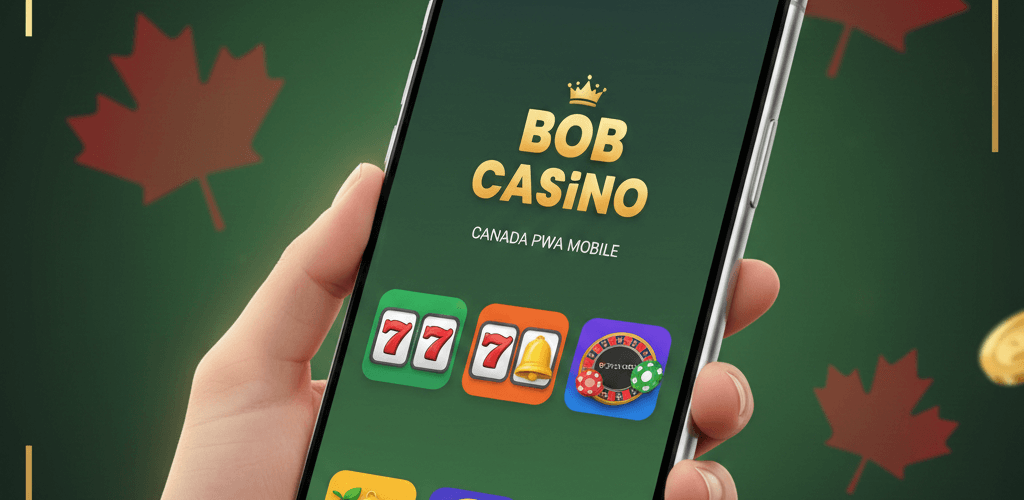
If you want a quick, clean way to play real-money casino games on your phone in Canada, the Bob Casino mobile gaming experience lives right in your browser. You don’t hunt through the App Store or Google Play; you open Bob Casino, tap a couple of buttons, and you’re playing.
This is a mobile casino built as a Progressive Web App (PWA), which means it installs from the website, not a store. It’s light, always current, and gives you instant access to the same account you use on the desktop. You can jump into slots, table games, and live dealers within seconds on iOS and Android.
A quick lay of the land for Canadian players: you get fast instant play, a lobby that adapts to your screen, and the same promotions you see on desktop. The site is licensed by the Malta Gaming Authority, has been operating since 2017, and supports secure banking and 24/7 help.

The PWA approach also saves storage and updates itself in the background — no manual patching. In short, this is a casino app Canada players can add to their home screen in under a minute and start playing.
What is the Bob Casino Mobile App?
Think of the Bob Casino app in Canada as a website that behaves like an app. Technically, it’s a PWA (Progressive Web App) — you visit the site in your mobile browser, add it to your home screen, and from then on it opens like a normal app icon.
Because it’s a browser-based casino, you don’t rely on store listings. That brings three immediate wins: no app store needed, minimal storage, and auto-updates (the latest version loads when you open it).
The content is the full casino: a large multi-provider library (thousands of games), regular new releases, and categories spanning slots, table games, and live casino — all accessible on mobile. You’ll find the same bonuses, payments, and customer support inside the mobile experience as on desktop, using your single account across devices.
As a licensed operator under the MGA, Bob Casino surfaces clear policies for security, privacy, and responsible gaming — reassuring if you’re playing for real money on your phone.
Bottom line: the mobile casino here is a PWA you install from the website (not a traditional store download), designed to be mobile-optimized with responsive design, fast instant play, and smooth touch controls.
How to Install the Bob Casino App
Adding Bob to your phone takes under a minute. Because it’s a browser-based mobile casino powered by a PWA, you’ll use your mobile browser’s “Add to Home Screen” feature.
The steps below show exactly what to tap on iPhone (Safari) and Android (Chrome). After that, the app icon sits on your home screen and opens into the full lobby — same account, same promos, same cashier.
Installing the Bob Casino App on iPhone
Getting the Bob Casino app Canada on iPhone is a simple Safari routine. Here’s the step-by-step path that works consistently:
- Open Safari. You’ll use Safari because it supports iOS’s native Add to Home Screen flow for PWAs.
- Visit the Bob Casino Website. Load the site; the mobile layout will snap into place (menus, categories, and search are aligned for thumb use).
- Tap the “Share” button. At the bottom of Safari, tap the Share icon (square with an arrow). You’ll see a scrolling list of actions.
- Select “Add to Home Screen.” This creates the PWA shortcut. You’ll see the app name and icon exactly as it will appear on your iPhone.
- Confirm and launch. Tap Add. The icon lands on your home screen; tap it to open a standalone window (no Safari chrome), straight into the lobby.
- What you’ll see: a compact, touch-friendly lobby with promos up top, categories for slots/tables/live, and the cashier in the main menu. The install is free and takes under 1 minute — no account permissions or storage access needed.
- Requirements: iOS 12+ (or newer), Safari, and an internet connection.
The iOS app is a compact, touch-friendly lobby with promos up top, categories for slots/tables/live, and the cashier in the main menu. The install is free and takes under 1 minute — no account permissions or storage access needed.
Installing the Bob Casino App on Android
The Android casino app uses the same PWA idea via Chrome. You’ll add Bob to your home screen, and it will open in its own window like an app.
- Open Chrome. Any modern Android browser with PWA support works; Chrome provides the cleanest flow.
- Navigate to Bob Casino. The lobby will present the mobile layout immediately, with responsive design and clear touch targets.
- Tap the browser menu icon “⋮”. In the top-right, tap the three dots to open Chrome’s menu.
- Select “Add to Home screen.” Chrome shows the app name/icon and prompts to add it.
- Install and open. Tap Add → Add to Home screen. The Bob Casino mobile app icon appears on your launcher. Tap it to open a standalone view, directly into the Bob mobile casino.
- Requirements: Android 5.0+ (or newer), Chrome (recommended), and an internet connection.
What happens next: you can log in or register, claim promos, and use the cashier as usual. Everything — games, support, and settings — lives inside the PWA, with auto-updates each time you open it.
Bob Casino App Features
The PWA mirrors desktop in all the right ways. You keep one account across devices, the lobby reshapes for small screens, and you can jump between categories without losing your place. Below are the highlights that matter on a phone.
Extensive Game Selection
The mobile lobby brings a large, multi-provider library to your pocket — slots, table games, and a robust live casino. New games are added regularly, and many RNG titles offer a demo mode so you can test pace and features before you deposit.
You’ll see familiar mobile favourites like Big Bass Bonanza (Pragmatic Play) and Book of Dead (Play’n GO), alongside live staples such as Live European Roulette and Infinite Blackjack. Progressive jackpot titles are available in the mobile slots Canada area, and provider filters make it easy to browse by studio.
Banking and Payments
You can deposit and withdraw inside the PWA just like on desktop — same secure flows protected by SSL encryption. The cashier shows the methods available for your account.
Typical options include Visa/Mastercard and major e-wallets (availability and limits depend on your region and verification). Processing times vary by method; e-wallets are often fastest once approved, while card/bank transfers may take longer due to banking rails.
Bonuses for Mobile Players
Promotions displayed on desktop are claimable on mobile — you’ll see the same tiles in the PWA casino. Here’s the same information in a single, easy-to-skim list:
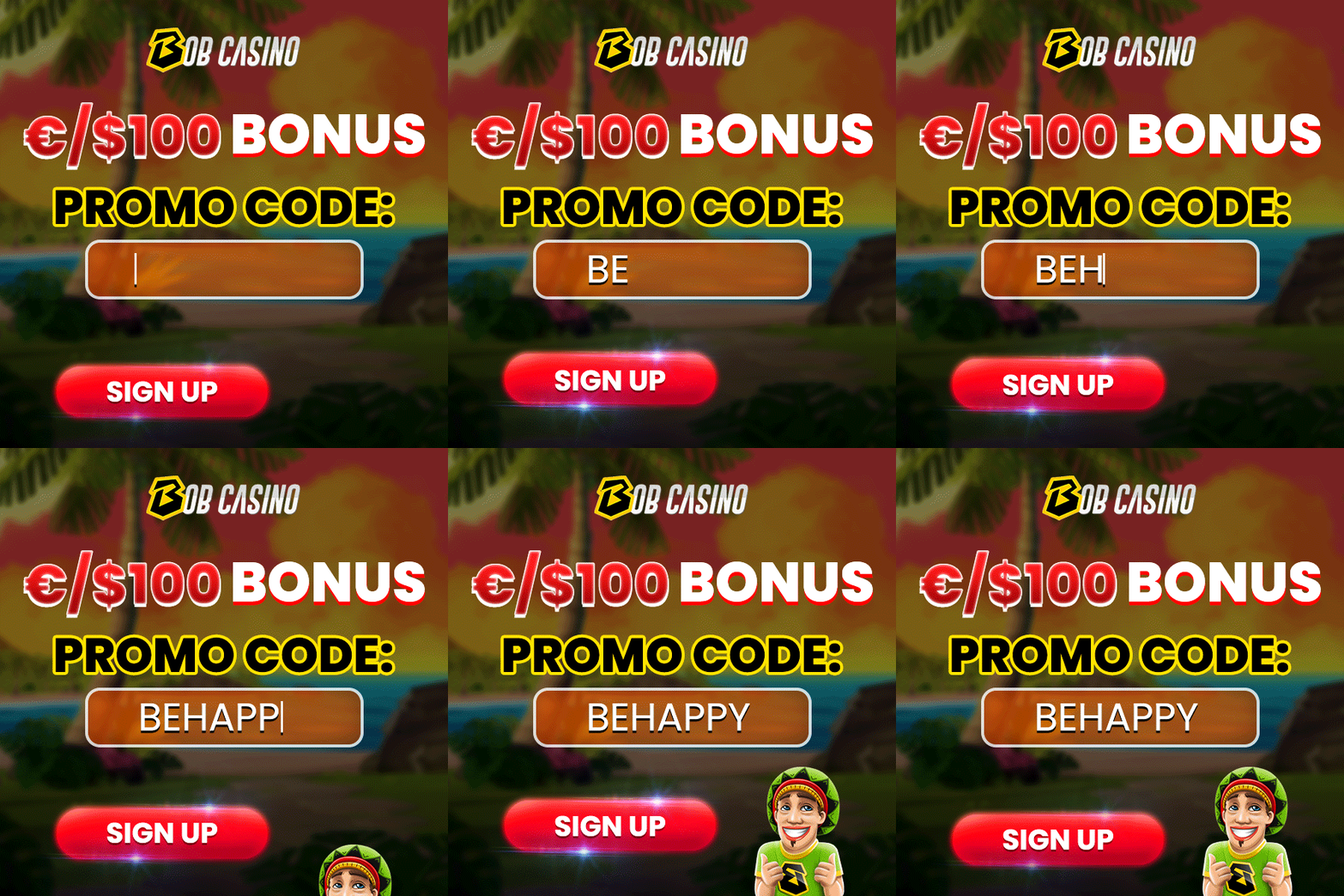
- 1st deposit: 100% up to CA$250 plus 100 free spins (code “BEHAPPY”), with free spins credited as 25 per day for 4 days on John Hunter and the Mayan Gods (or Mechanical Clover if unavailable).
- 2nd deposit: 50% up to CA$250 (code “JUNGLE”).
- 3rd deposit: 50% up to CA$1,000 plus 30 free spins on Cowboys Gold (or Lady Wolf Moon if unavailable) with code “BOBONELOVE”.
- VIP program: 22 levels with rewards that scale as you move up.
- Daily Free Spin Challenge: Free spins are awarded to players with the top win multipliers each day.
Use the Promotions section to check what’s currently active and confirm any bonus terms before you deposit.
Mobile Browser Alternative
Don’t want to install casino app? You can play in any mobile browser without adding the home-screen icon. Just open Bob Casino in Safari or Chrome, and you’ll get the same content in instant play.
The site is mobile-optimized using HTML5 casino features, so layouts remain readable, and controls are smooth whether you’re in portrait or landscape. How to decide:
- Browser: first-time visit, limited storage, or you prefer not to keep extra icons.
- App (PWA): you’re a regular, want one-tap access, and prefer the cleaner standalone view.
If you change your mind later, switching from browser to the PWA is instant — add it to your home screen, and you’ll keep the same account, bonuses, and cashier in one tap.
Compatible Devices
The PWA approach means you rely on your mobile browser rather than a native installer. If your device runs a current Safari or Chrome and has a stable connection, you’re set.
iOS devices:
- iPhone models with iOS 12 or later.
- iPad models with iPadOS/iOS 12 or later.
- Safari is recommended for the “Add to Home screen” route.
Android devices:
- Recent Samsung Galaxy, Google Pixel, OnePlus, Xiaomi, Motorola, Sony Xperia, and comparable models.
- Android 5.0 or later.
- Chrome is recommended for the “Add to Home screen” route.
System requirements:
- Updated mobile browser (Safari/Chrome).
- Stable internet (Wi-Fi or 4G/5G).
- Cookies/JavaScript enabled for login, cashier, and games.
You won’t need extra storage or special permissions — the PWA runs right in your mobile browser with your existing account.
Live Dealer Games on Mobile
The live lobby streams HD tables to your phone with clear touch controls and quick table switching. You’ll find staples like blackjack, roulette, baccarat, and casino poker, with multiple table limits so you can match pace and budget.
The video feed adapts to smartphone casino screens in portrait or landscape, and chat remains accessible without covering the betting area. On a good 4G/5G or Wi-Fi connection, gameplay feels close to desktop — just closer to your thumb.
App Performance
Because it’s a PWA, the Bob Casino mobile app loads the most recent assets on the fly, which helps with fast performance and a snappy lobby. Navigation between games is quick, inputs are responsive, and animations stay smooth under normal mobile network conditions.
Battery use is sensible in browser-based play, and the interface keeps the heavy UI out of the way so you can focus on spins or hands. Switching between portrait and landscape is seamless — handy for live tables where you might want a wider view.
Security and Licensing
Bob Casino operates under Malta Gaming Authority (MGA) licence MGA/B2C/394/2017, issued on 1 August 2018, and is owned and operated by N1 Interactive Ltd, a Malta-registered company (registration number C 81457) with its registered address at 206, Wisely House, Old Bakery Street, Valletta VLT1451, Malta.
It only accepts customers over 18 and flags responsible gambling messaging across the site. Bob Casino secures traffic with SSL encryption from login to cashier.
Games are delivered by reputable studios using certified Random Number Generators, and the site outlines privacy and responsible gambling policies. You’ll find account protections like secure login and clear password requirements, plus tools such as deposit limits, session timers, time-outs, and self-exclusion.
Customer Support
Help is available 24/7 from your phone. Open the support panel from the main menu to reach live chat for instant questions or switch to email (support@bobcasino.com) for longer threads or document checks.
There’s also an on-site contact form if you prefer submitting from the app. Support is offered in multiple languages (with English as the default), and the available options depend on your region and profile settings.
The mobile FAQ loads quickly if you want to self-serve basics (payments, bonuses, verification). In practice, chat responses arrive fast, and agents can see your account context, which makes troubleshooting smooth — especially for deposit/withdrawal clarifications.
F.A.Q
Is there a Bob Casino app in the App Store or Google Play?
No — Bob Casino uses a browser-based Progressive Web App, so there’s no native app in the App Store or Google Play.
Is the app free to install on my phone?
Yes, adding the Bob Casino PWA to your home screen is completely free and doesn’t require extra permissions.
Can Canadians use the Bob Casino mobile PWA for real money play?
Yes, eligible Canadian players can use the mobile PWA for real-money deposits, gameplay, and withdrawals.
How do I download Bob Casino app on iPhone or Android?
You open Bob Casino in Safari (iOS) or Chrome (Android) and use “Add to Home Screen” to install the PWA shortcut.
What games can I access on the app — slots, tables, or live dealer?
You get the full casino lobby on mobile, including slots, table games, progressive jackpots, and live dealer tables.
Related Posts